
How to Set Up Wallet of Satoshi and Receive Bitcoin Instantly
The Bitcoin and Lightning sales in your online store are credited directly to your own Bitcoin wallet. You will need a Bitcoin Lightning wallet with a Lightning address.
Wallet of Satoshi is such a Lightning wallet with a Lightning address and we will explain how to get it here.
You have two options for obtaining the Wallet of Satoshi.
Either you go to the website https://www.walletofsatoshi.com/ and there you will find the two download options for the App Store or Google Play.
Or you can go directly to the store on your smartphone and search for the Wallet of Satoshi.
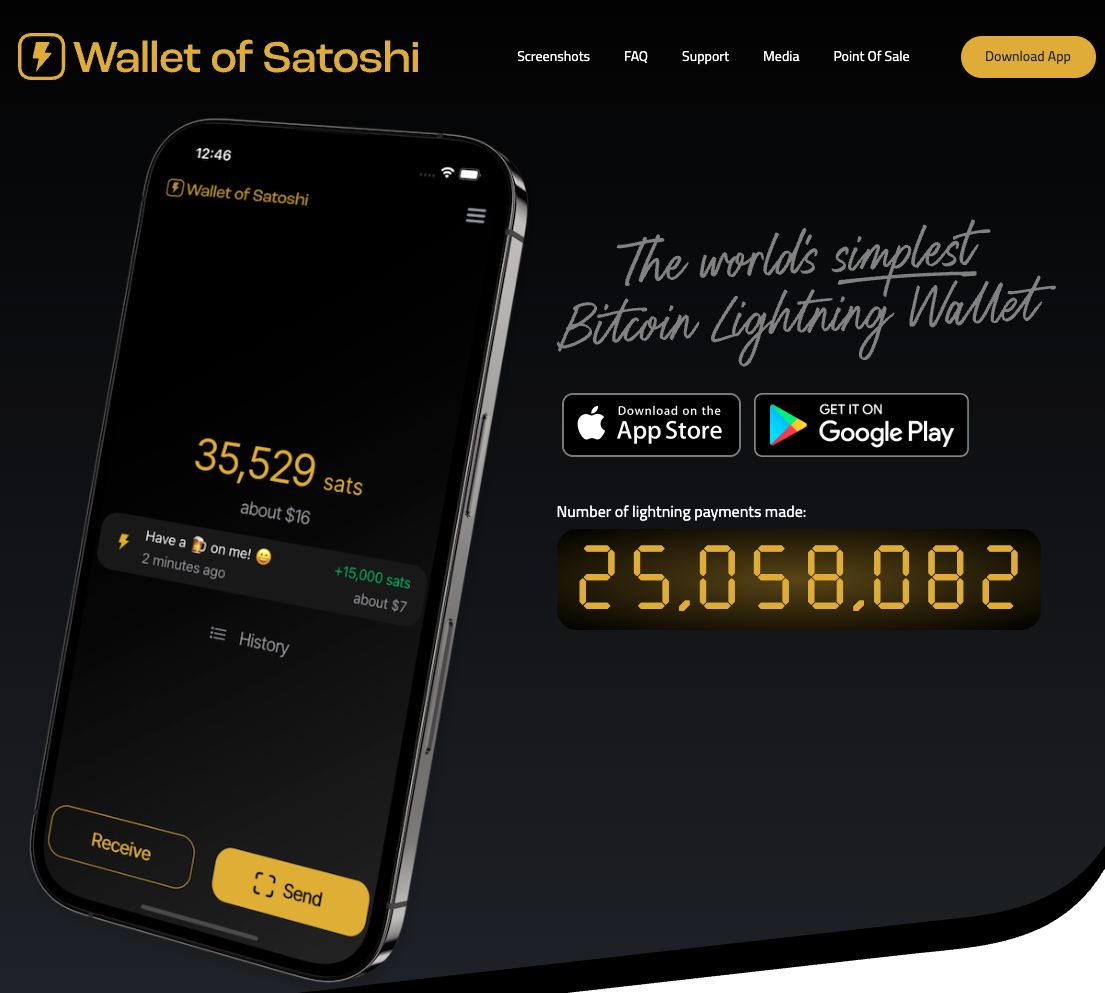
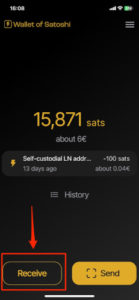
After you have started the Wallet of Satoshi on your smartphone, you will see a Receive button at the bottom left. Click on it.
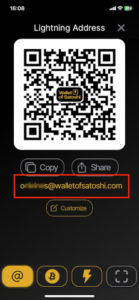
The adjacent window opens. Below the QR code you will find the Lightning address, which looks like an e-mail address. This is your Lightning address, which you can give to anyone you want to receive sats from. If you like, you can customize the Lightning address, e.g. to yourname@walletofsatosho.com.
Connect your Wallet of Satoshi with your Coinsnap account
You store this Lightning address in the Coinsnap dashboard under Finances → Settings → Deposit.
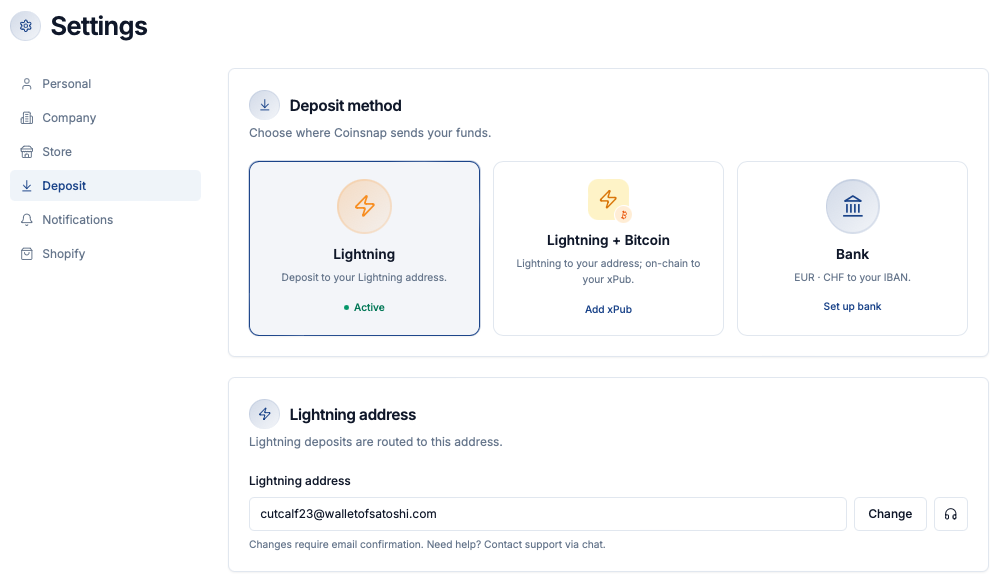
Your customers’ Bitcoin and Lightning payments are then forwarded to this Lightning address and credited to your Lightning wallet, in this case the Wallet of Satoshi.