
Get paid in Bitcoin with the Bitcoin Payment Link
Let your customers or clients pay their bills with Bitcoin

You have written an invoice to your customer and would like this invoice to be paid via Bitcoin Lightning?
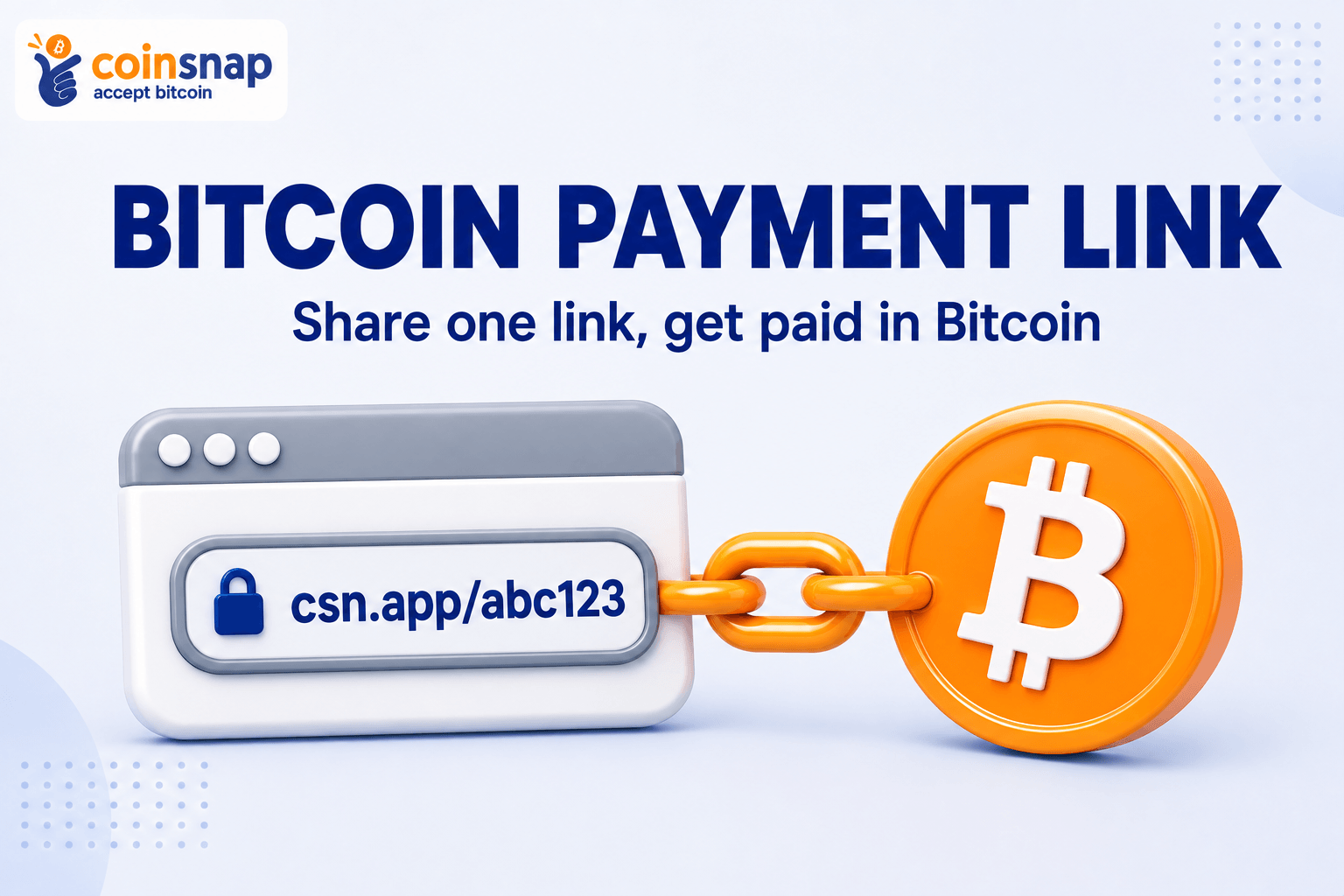
With Coinsnap’s Bitcoin Payment Link you can send each of your customers a payment link that looks similar to this one:
When your customer clicks on the Bitcoin payment link, a payment page opens with all the relevant information about this invoice.
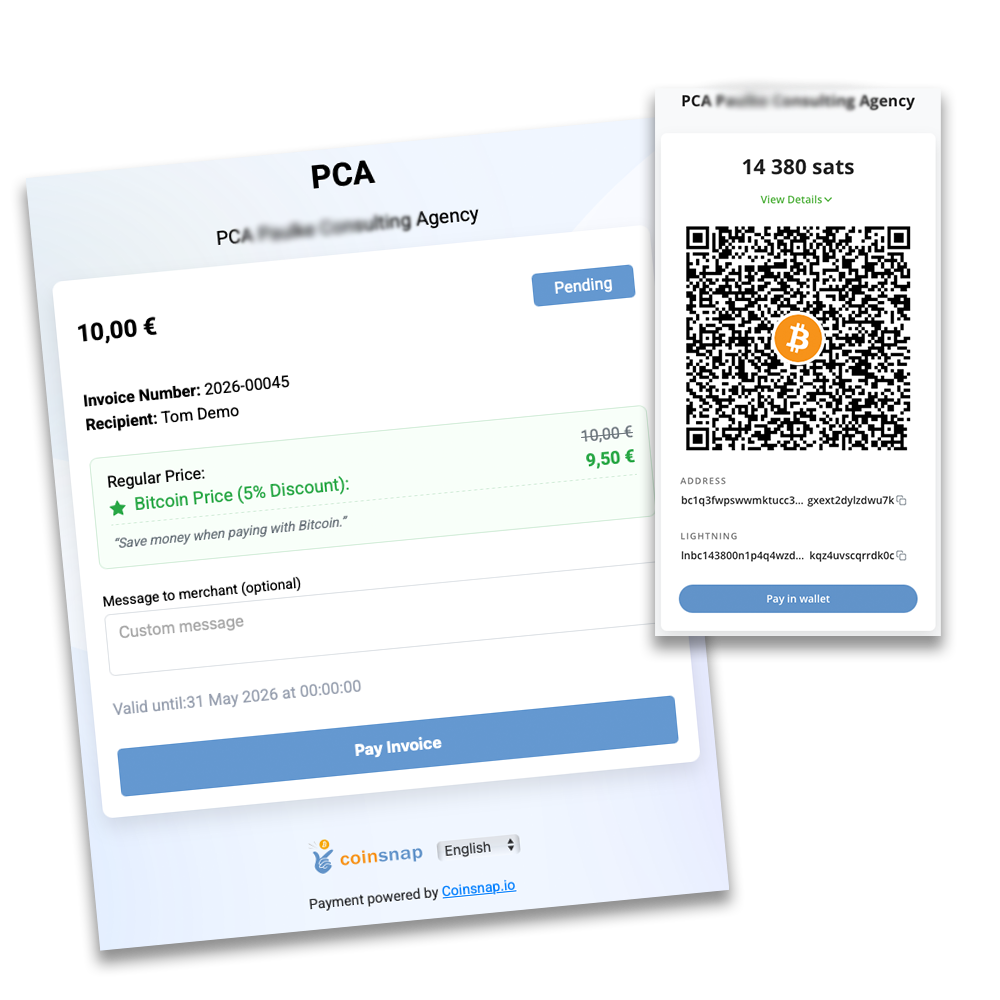
The customer clicks on Pay Invoice and is shown a QR code with which the invoice can be paid via Bitcoin Lightning.
As the payee, the invoice amount is credited directly to your own Bitcoin wallet.
Having your customers pay you with Bitcoin is particularly convenient for you as a payee with Coinsnap Pay-Link.
As a merchant, you enter the invoice amount in euros and if your customer pays a few days after receiving the invoice, the exchange rate at the time of payment is used.
In this way, you protect yourself against the risk of the Bitcoin exchange rate between the time of invoicing and the time when the invoice is actually paid.
How can I get paid in Bitcoin with a payment link?
With Coinsnap, you create a Bitcoin payment link in your dashboard and send it to your customer. When the customer opens the link, they see a pre-filled payment page and can pay the invoice instantly via Bitcoin using a QR code. The payment is sent directly to your wallet.
How to create a Bitcoin payment link?
To create a payment link, you need a Coinsnap account. After you have logged in to the Coinsnap dashboard, go to Payment Tools -> Payment Requests.
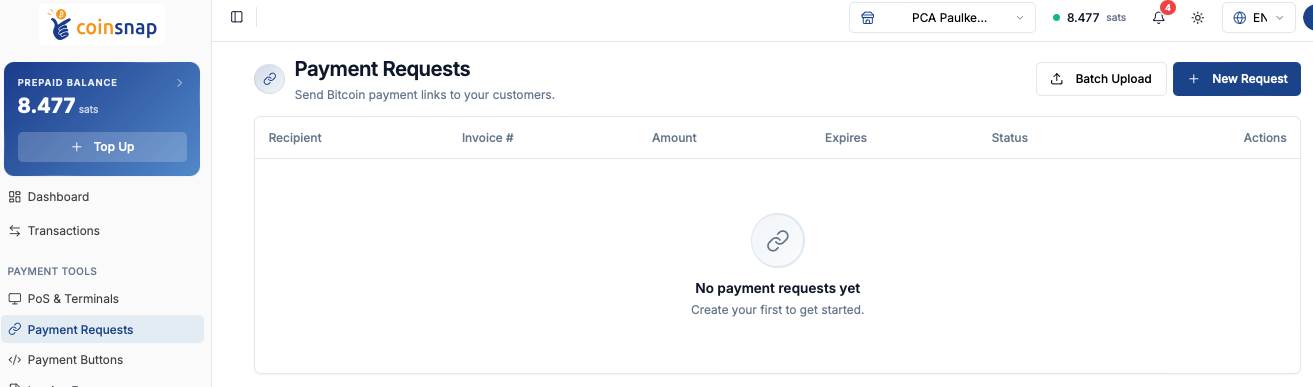
To create a new payment link, click New Request in the top right corner. Then fill out the form you are directed to.
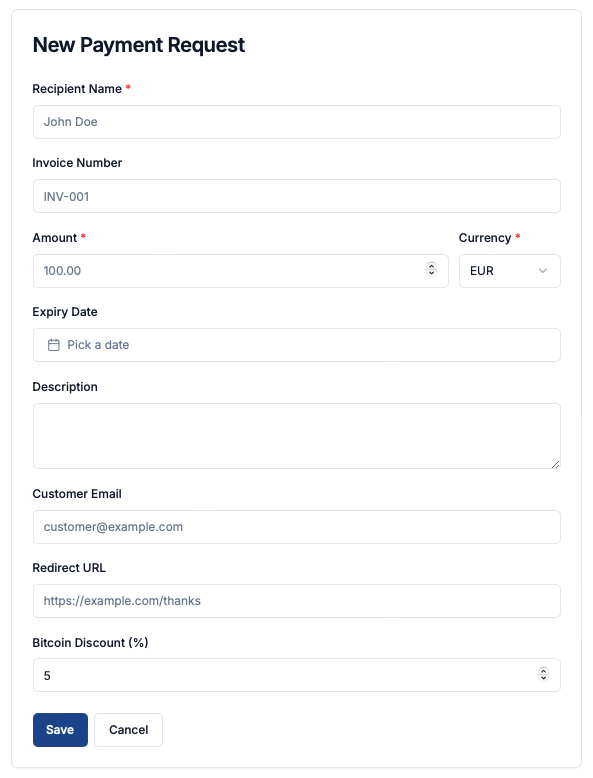
Click Save once you have configured the payment request. You will then see the overview screen, with your newly created payment link displayed at the top.

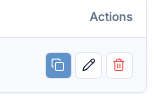 You can copy the payment link (URL) by clicking the copy icon on the right under Actions.
You can add this payment link to your invoices or include it in the email when sending an invoice to your customer.
When the customer opens the link, they are taken to a pre-filled payment page, where they simply click Pay Invoice and complete the payment via QR code.

If you have many invoices, you can also upload a CSV file containing all invoice data. Coinsnap will then automatically generate a payment link for each entry in the table.